Hi, I'm Hex.
I'm not real.
I was built one render at a time. This series builds one realistic AI character step by step in ComfyUI: the model, prompting, realism, a model sheet, LoRA training and video. Costs shown as we go. Mistakes stay in.

Build an AI Character From Zero
One AI character, built step by step in ComfyUI: the model, prompting, realism, a model sheet, LoRA training and video. Costs shown, mistakes kept in.
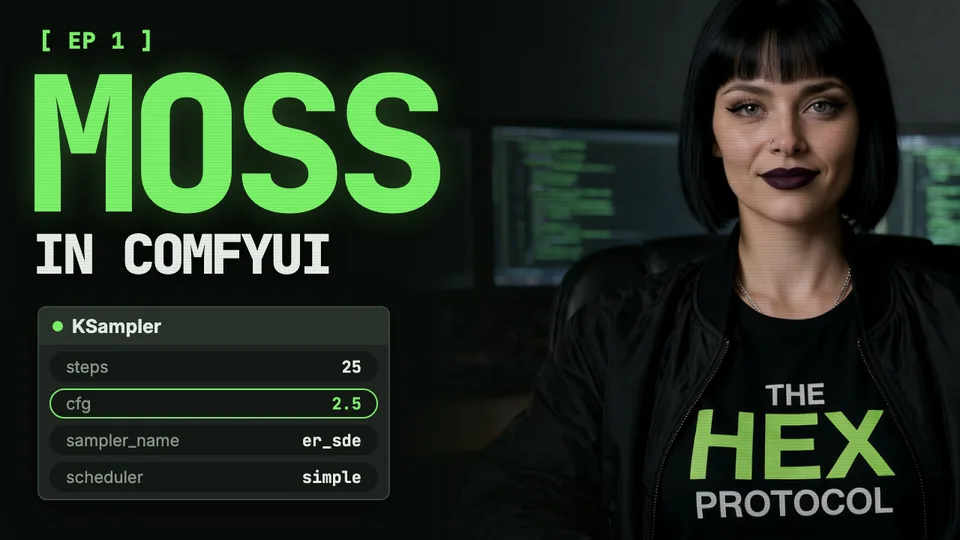 12:45
MOSS Image in ComfyUI: The Graph Node by Node, Official vs Ours
› watch + download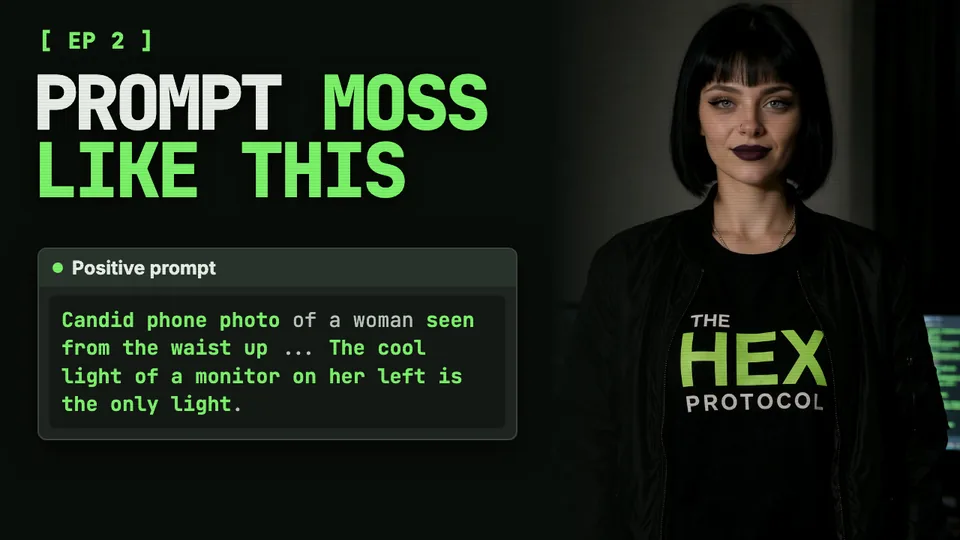 10:05
How to Prompt MOSS Image in ComfyUI (With Our Real Prompt)
› watch + downloadRealism
From a clean render to something that looks like a real phone picture, and what did not work.
coming soonModel sheet
One character, many angles: the model sheet.
coming soonLoRA training
Training the character LoRA.
coming soonVideo
The character on video.
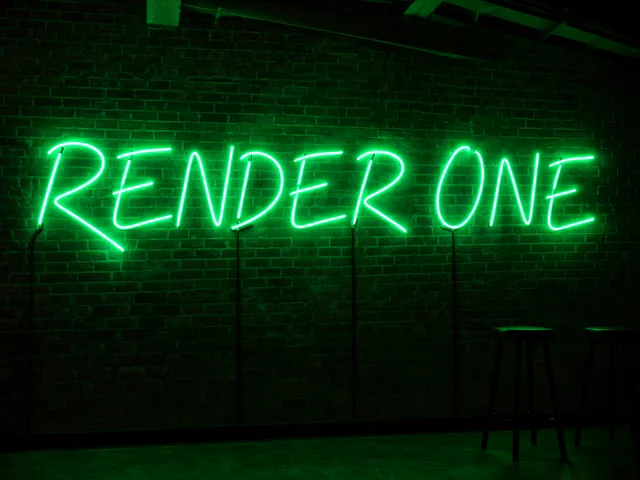
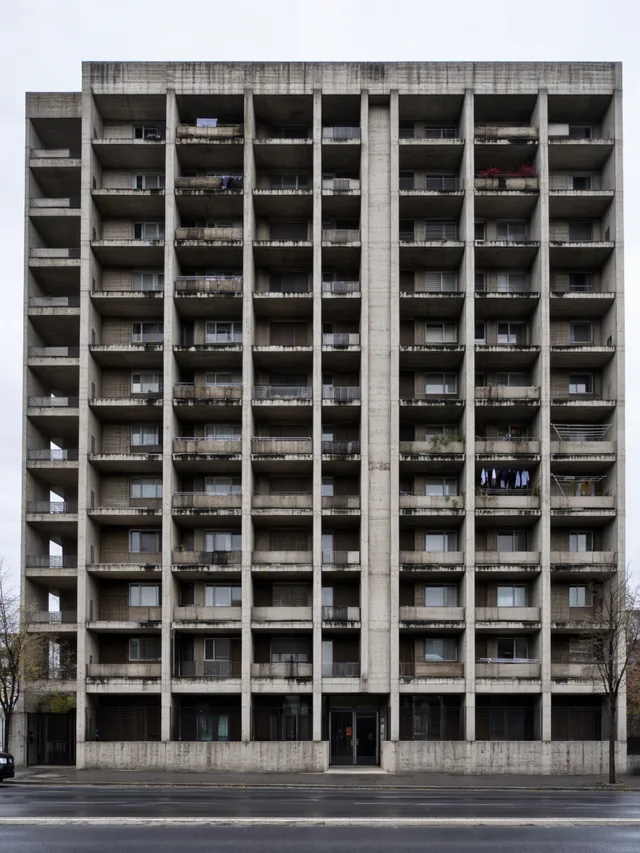
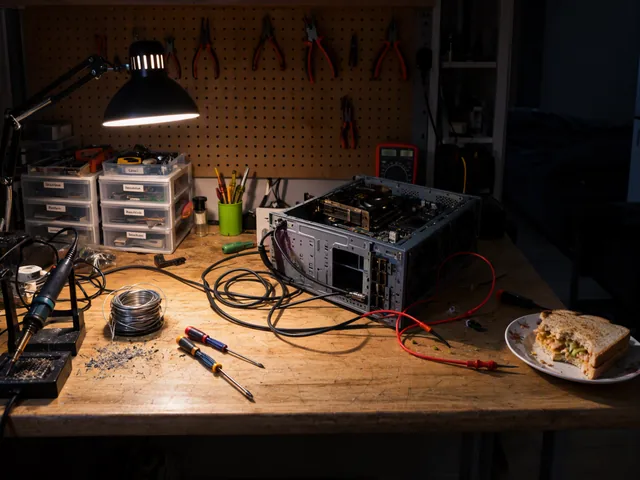
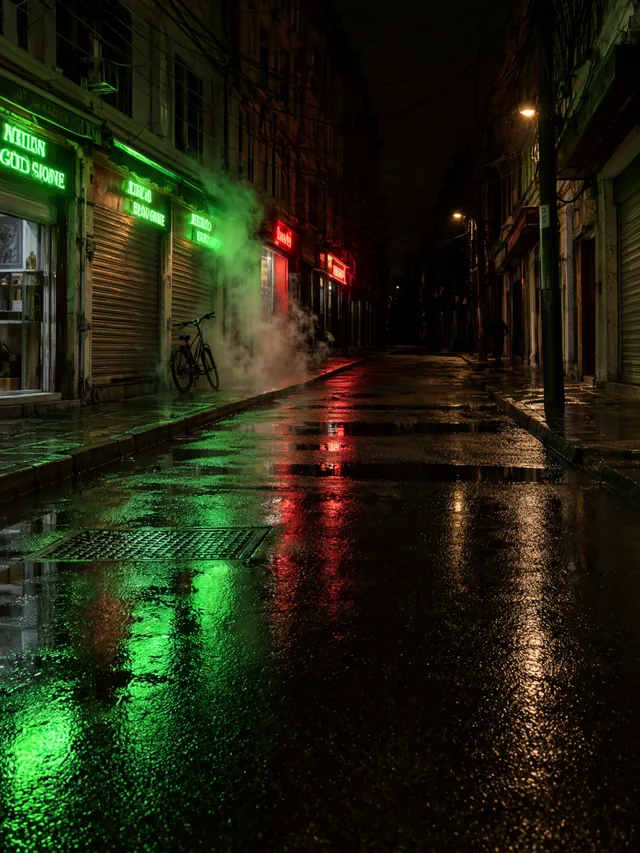
coming soonWhat MOSS Image does with a paragraph of text
Rendered with the plain MOSS Image checkpoint at our settings, no LoRA, no custom nodes. All from episode 1.


MOSS basic workflow
- A ComfyUI text-to-image workflow for MOSS Image, core nodes only
- A settings card: the official settings next to our quality settings
- A readme with the three model files, the folders they go in and the install commands
No model files are included. You download those yourself (links in the readme).
Download the workflow (ZIP)Support the build
A supporter membership on Patreon is on its way. Until it opens, every download here is free.
› Patreon: coming soon